Generate Images
Create images from text descriptions using state-of-the-art AI models. Bearly supports multiple generation engines so you can compare results and find the perfect image.
Available models:
- GPT Image 1.5 (OpenAI)
- Flux 2 Fast & Pro (Black Forest Labs)
- Imagen 4 (Google)
- Seedream 4.5 (ByteDance)
- Qwen Image (Alibaba)
Creating an Image
Just describe what you want in the chat:
Generate an image of a cartoon raccoon holding a sign that says "I love AI"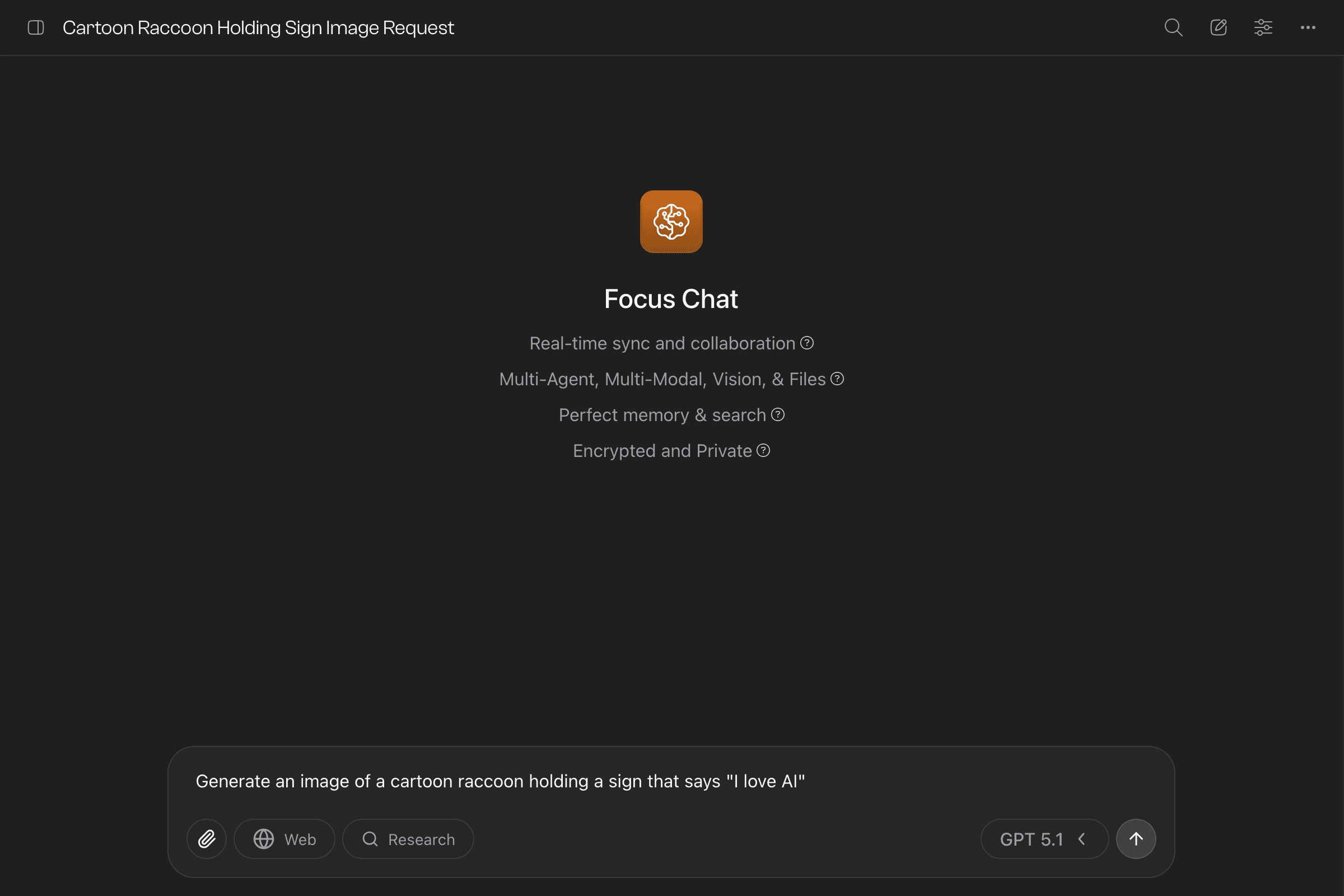
The AI generates your image and opens the Image Gallery.
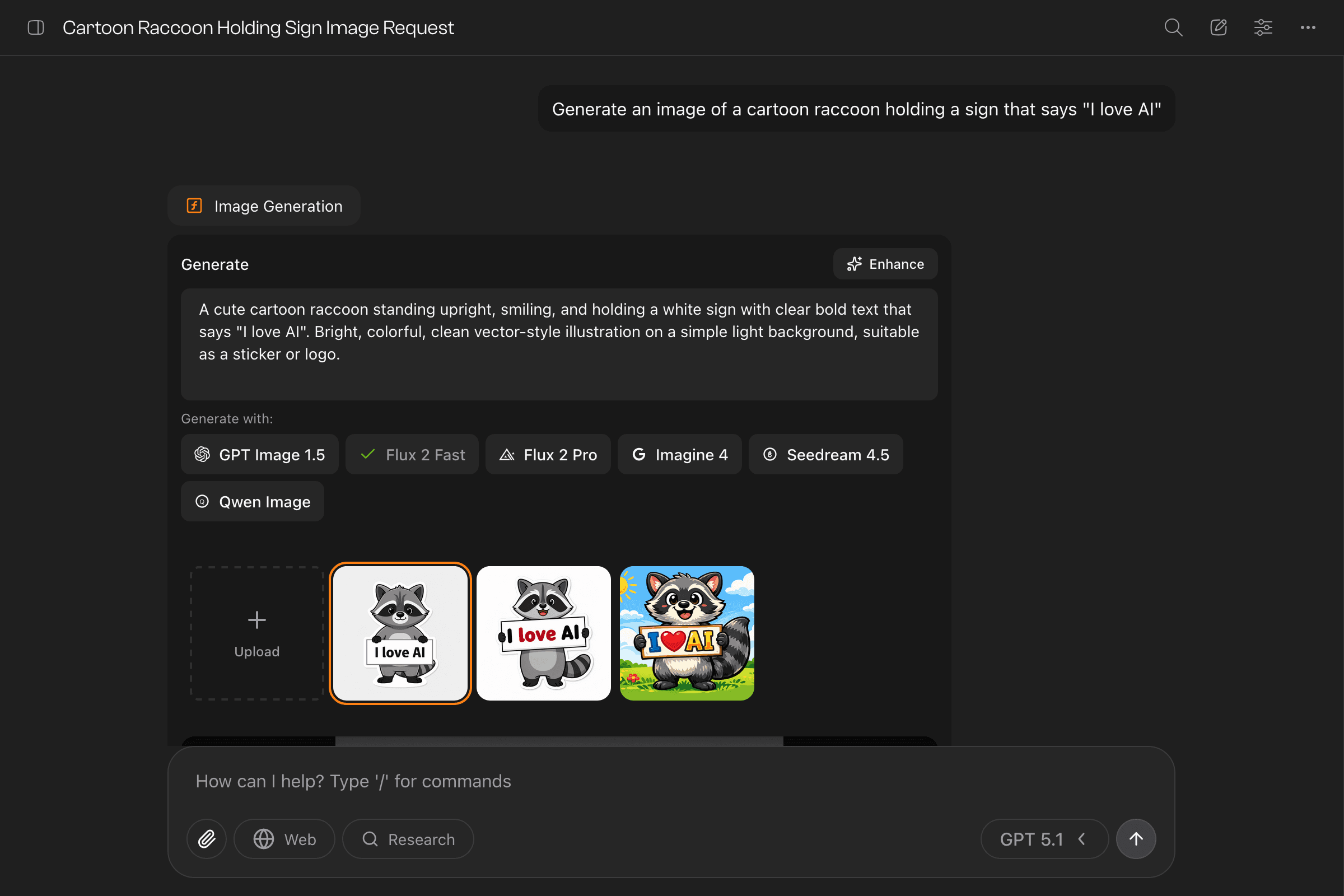
Enhance Your Prompts
Not sure how to describe what you want? Enter a simple idea and click “Enhance” to get an AI-suggested prompt with more detail.
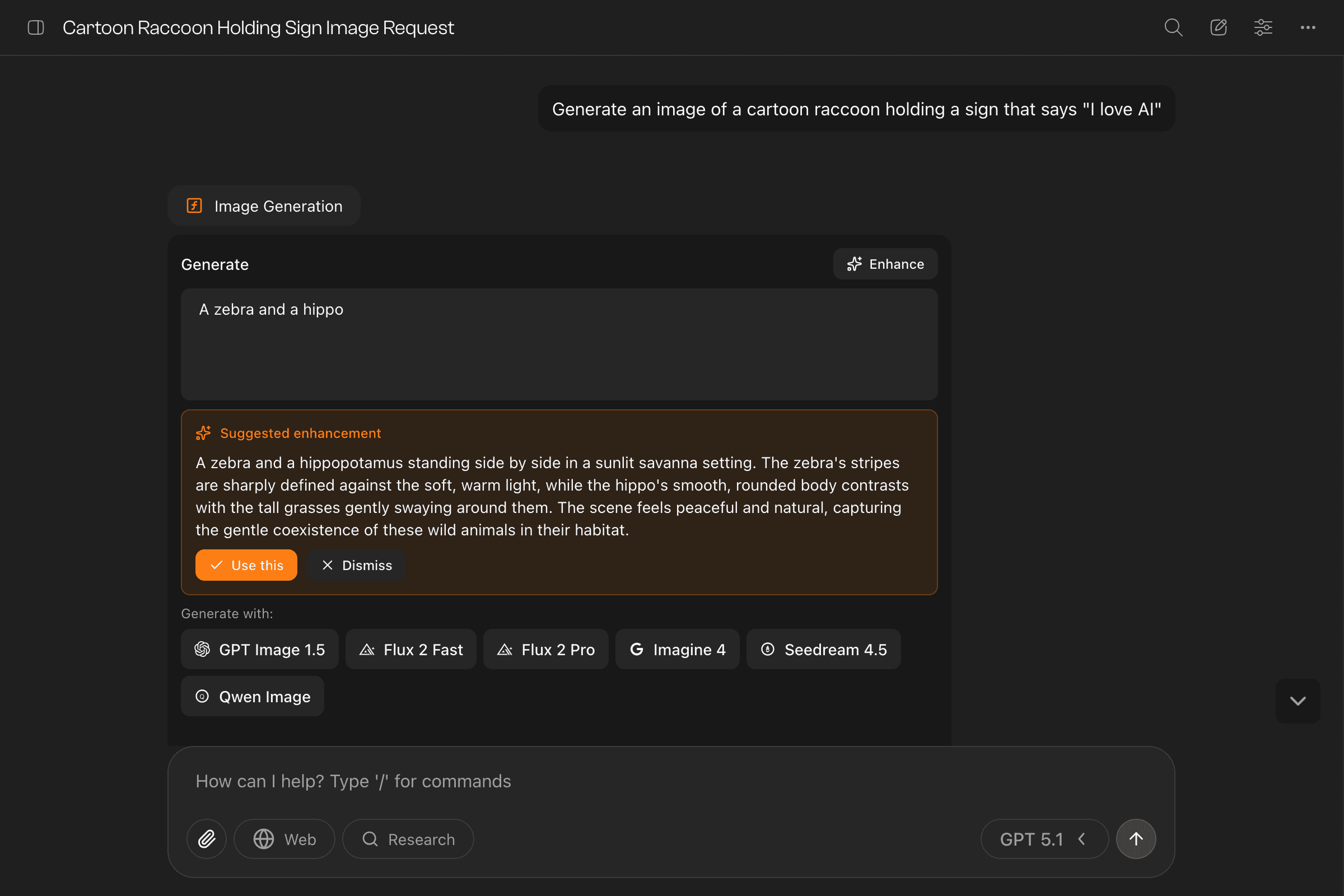
The AI expands your basic prompt into a detailed description optimized for image generation. Click “Use this” to apply it, or dismiss and write your own.
Refining Your Results
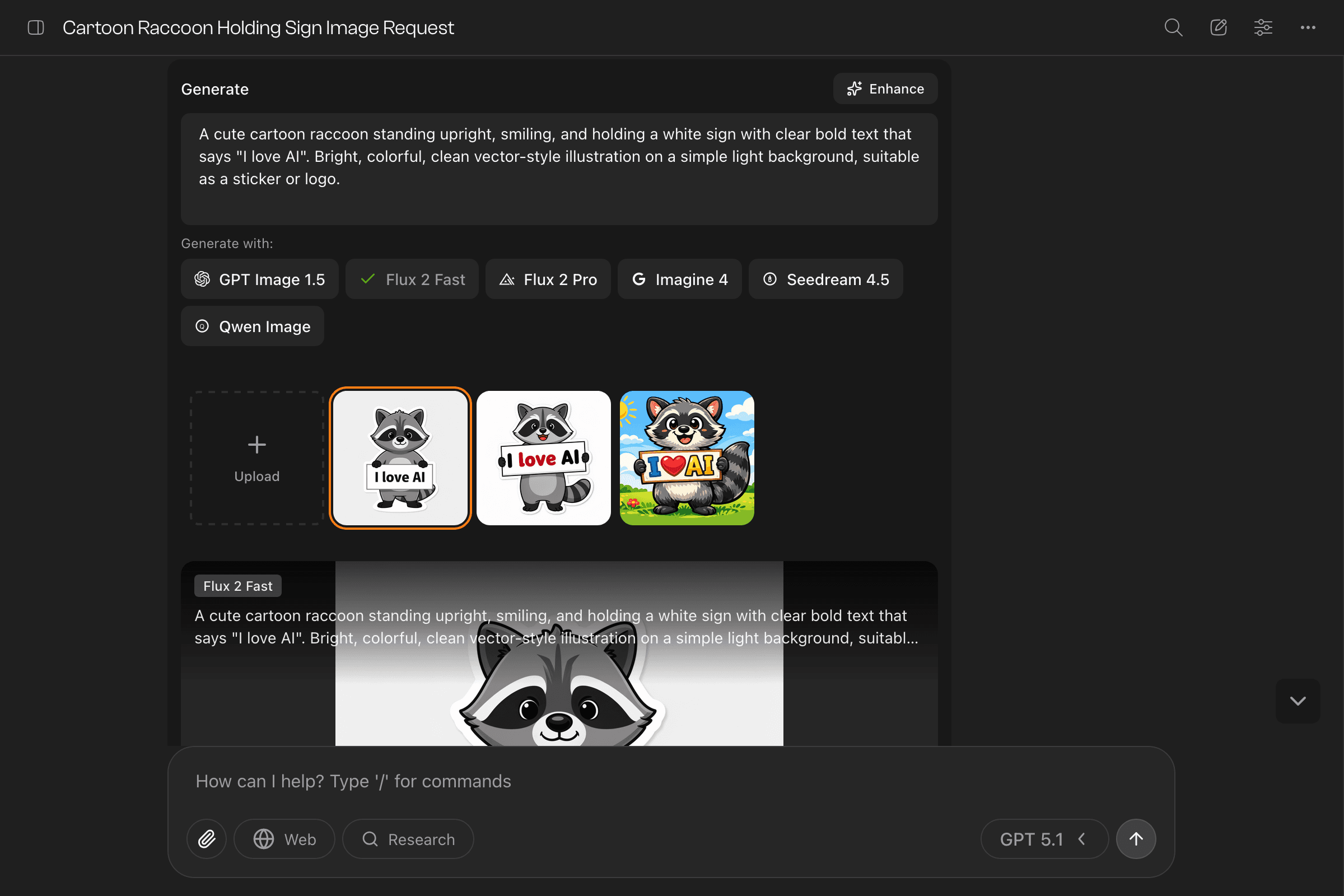
Once you have the gallery open, keep iterating:
- Try different models — Click another model button to generate the same prompt with a different engine. Each has strengths: Flux excels at photorealism, Imagen handles text well, GPT Image is great for creative compositions.
- Tweak your prompt — Edit the text and generate again.
- Upload references — Add your own images to use as starting points for edits.
Use arrow keys to quickly browse through your generated images.
Tips for Great Images
- Be descriptive: Include style, lighting, composition, and mood
- Specify the medium: “oil painting”, “digital art”, “photograph”, “watercolor”
- Reference styles: “in the style of Studio Ghibli”, “cyberpunk aesthetic”
Need prompt inspiration? Check out Lexica .
Last updated on